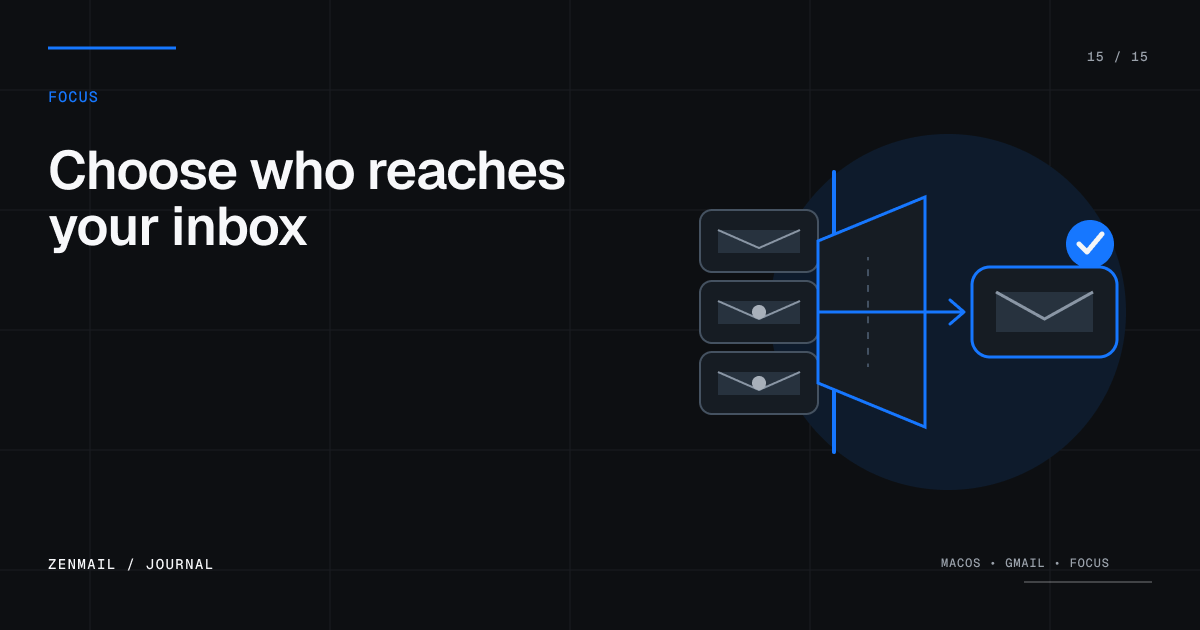
ZenMail’s Screener keeps email from first-time senders out of your normal inbox until you decide whether they belong there. Approve people you want to hear from, block the rest, and let future messages follow that decision automatically.
The problem with a completely open inbox
An email address is an open door. Coworkers, friends, customers, newsletters, salespeople, automated systems, and strangers can all enter the same queue. Spam filters catch obvious abuse, but they cannot know which legitimate senders deserve your attention.
That leaves the user with reactive work: open the message, decide it is irrelevant, delete it, and repeat when the sender writes again.
A simple rule: new senders ask first
The Screener changes the default for unfamiliar senders. Their first inbox message waits in a separate review queue, where you make one durable choice.
- Approve: the sender is trusted and future inbox mail flows normally.
- Deny: the sender stays out of your trusted inbox.
- Approve domain: trust appropriate senders from the same organization when that broader rule makes sense.
The sender is not notified about your decision. Screening is a private rule inside your own Gmail workflow.
Your existing network starts trusted
ZenMail uses your sent-mail history to recognize people you already know. If you have written to someone, they do not need to introduce themselves again through the Screener.
That gives the feature a useful starting point: existing conversations continue normally, while genuinely new senders wait for a decision.
How to process the Screener
- Open Screener from the ZenMail sidebar.
- Read enough of the first message to identify the sender and intent.
- Press A to approve, D to deny, or Shift-A to approve the sender’s domain.
- Move to the next sender and continue until the queue is clear.
The review is designed for keyboard triage, so a batch of new senders takes a series of decisions rather than a maze of settings.
Approve people, not every newsletter
Approval is best for people and organizations you expect to hear from: a new client, a recruiter you contacted, a school, a doctor, a vendor, or a community you intentionally joined.
A legitimate-looking message does not automatically deserve permanent access. If the content is useful only once, decide whether future messages belong in the inbox before approving.
Use domain approval carefully
Domain approval is convenient for a company, school, or organization whose people should all reach you. It is broader than approving one address, so check the domain closely before using it.
- Good fit: a small employer or trusted client domain.
- Poor fit: a large public email provider used by unrelated people.
- Check for misspellings and lookalike domains before approving.
Screener and spam filtering solve different problems
Spam filtering looks for abuse, fraud, and unwanted bulk mail. The Screener handles legitimate mail from people you have not decided to trust. Use both.
A phishing message can still look like it came from a known organization, so continue checking sender details, links, attachments, and unusual requests. Approval is an inbox preference, not a security guarantee.
Why screening helps inbox zero
Inbox zero becomes much easier when less noise enters the decision queue. Every sender you deny removes future triage work; every sender you approve reflects an intentional boundary.
Pair the Screener with the workflow in inbox zero on Gmail to handle both sides of the system: control what enters, then decide what happens to everything that remains.
Privacy and control
Screening decisions are part of ZenMail’s local Gmail workflow. ZenMail connects directly from your Mac to Google’s Gmail APIs and does not operate a separate mail server that stores a copy of your inbox. See the Privacy Policy for the full data path.
A calmer default
The Screener gives email a boundary it has always lacked: unfamiliar senders do not automatically earn space beside the people and work you care about. They ask once. You decide once. Your inbox remembers.
Can Gmail filter first-time senders?
Not as a built-in approval queue. Gmail can create rules from search criteria and can block a known sender after a message arrives, but its documented filters operate on criteria you define; they do not provide a native “everyone I have never emailed before” review step. See Google’s guides to Gmail filters and blocking a sender.
ZenMail’s Screener fills that narrower gap by separating the first inbox message from an unfamiliar sender until you approve the address, deny it, or deliberately trust its domain. It uses your sent-mail history to avoid screening people you already know.
Treat sender approval as an inbox rule, not proof that a message is safe. If a request is urgent, unusual, or asks for credentials or money, use the checks in How to spot phishing emails in Gmail before acting.